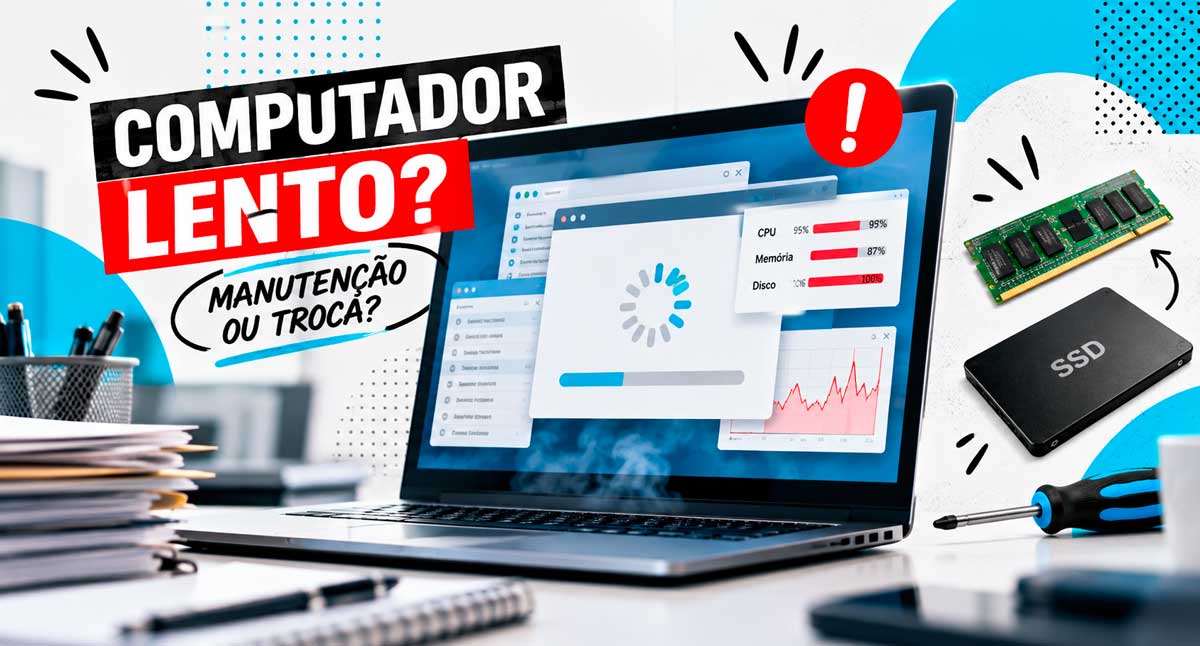
Slow computers in the workplace may seem like just an operational problem. However, when delays in opening programs, accessing files, or performing tasks become frequent, the impact goes far beyond employee irritation. After all, productivity decreases, processes are compromised, and operational costs can increase.
Many companies tolerate equipment with performance issues without assessing their root causes. In some cases, preventative maintenance or component upgrades can restore computer speed. On the other hand, persisting with outdated machines can represent a waste of time and money.
But how do you identify the right time to perform maintenance or invest in new equipment?
In this article, BHead IT Solutions presents the main warning signs. Furthermore, it explains how to make this decision in a more strategic way.
Why are the company’s computers slow?
Performance loss can occur for various reasons. While aging equipment is an important factor, it is not always the primary cause of slowdowns.
Among the most common causes are:
- Insufficient RAM memory: Computers with limited memory have difficulty running multiple programs simultaneously.
- Improper storage: Equipment that still uses traditional hard disk drives (HDDs) may perform worse than models with SSDs.
- Too many programs: Unnecessary applications, especially those running in the background, consume system resources.
- Lack of maintenance: Dust buildup, overheating, and ventilation problems can compromise performance.
- Outdated software: Operating systems, drivers, and applications that are not up-to-date may experience performance, compatibility, and security issues.
- Network problems: In certain situations, the slowness perceived by the user is related to the connection to servers, cloud systems, or the internet.
Therefore, before replacing equipment, it is essential to identify the source of the problem through a technical diagnosis. This way, the company avoids unnecessary investments and directs its resources towards truly effective solutions.
5 signs that your company’s computers need attention.
Computer failures don’t always happen suddenly. Most of the time, computers show signs that they need maintenance or upgrades. Therefore, recognizing these symptoms can prevent bigger problems.
1. Increasingly slow initialization
If your computer takes several minutes to start up and get ready for use, there may be a problem related to storage, system configuration, or the number of programs that load automatically.
Furthermore, when this delay happens daily, the lost time can accumulate over the course of a month.
2. Frequent crashes
Programs that stop responding, frozen screens, and the constant need to restart indicate that something is not working correctly.
Consequently, these problems hinder work and can lead to the loss of information that has not yet been saved.
📌 Read also:Outsourcing Technical Support: Reduce costs and increase company efficiency.
3. Difficulty running multiple programs
It is common for employees to need to work simultaneously with web browsers, spreadsheets, management systems, and communication tools.
However, when the computer cannot keep up with this demand, simple tasks start to consume more time. As a result, team productivity may decrease.
4. Overheating and excessive noise
Fans running constantly at high speed and high temperatures may indicate cooling problems, dirt buildup, or heavy use of components.
In these situations, the computer may automatically reduce its performance to prevent heat damage. Therefore, ignoring these signals can compromise both the speed and stability of the equipment.
5. Recurring failures and errors
Error messages, unexpected shutdowns, and difficulties performing updates are signs that warrant investigation.
This is because these symptoms can indicate anything from software problems to failures in physical components. Therefore, the earlier the diagnosis occurs, the greater the chances of avoiding prolonged interruptions.
When is it worth investing in computer maintenance?
Not every slow computer needs to be replaced. Depending on the condition of the equipment and its technical specifications, an intervention can provide a significant performance improvement.
For example, some measures that deserve evaluation include:
Replacing the HDD with an SSD
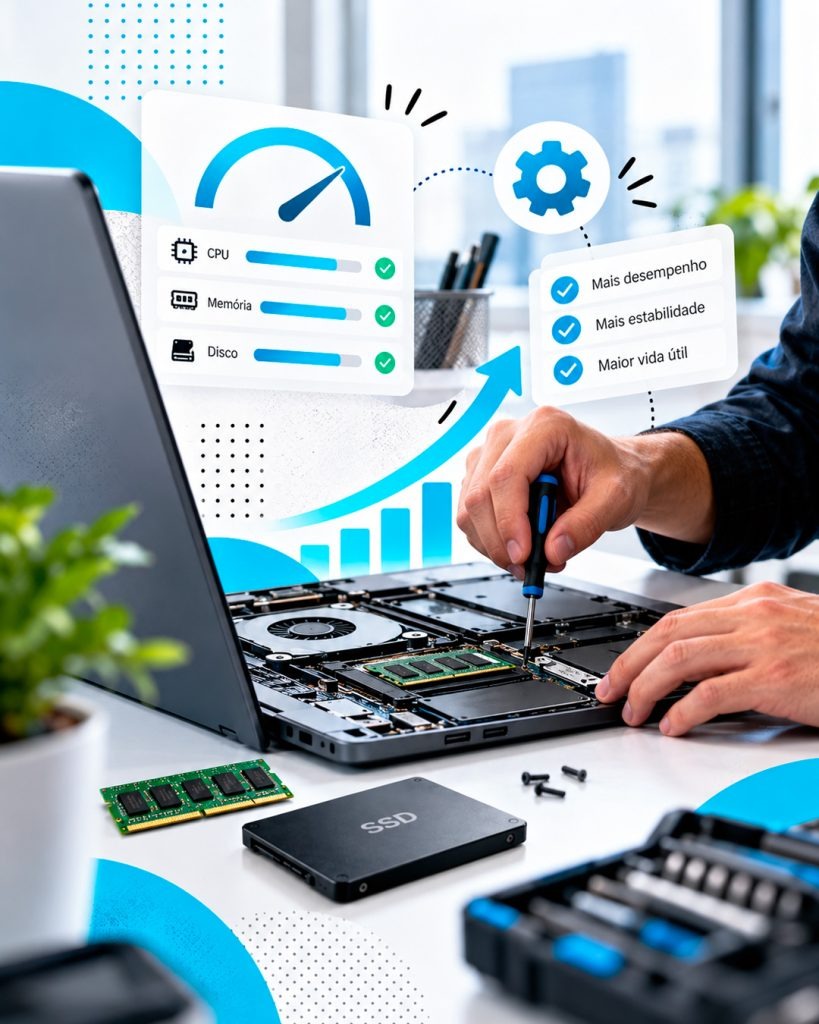
For computers that still use traditional hard drives, installing an SSD can significantly improve system boot times and program opening times.
Furthermore, this upgrade often represents an interesting alternative when the other components still meet the user’s needs.
RAM memory expansion
When memory capacity is insufficient for the applications used, expanding it can help the computer perform multiple tasks more efficiently.
In this way, the equipment can continue to meet the company’s needs without requiring immediate replacement.
Physical cleaning and preventive maintenance
Dust removal, ventilation checks, and cooling system evaluations help prevent overheating and temperature-related failures.
Furthermore, regular maintenance allows for the identification of potential problems before they compromise the computer’s functionality.
Operating system optimization
Analyzing installed programs, removing unnecessary applications, checking for malware, and fixing software problems can also improve performance.
However, these actions should only occur after a technical evaluation. After all, investing in components without identifying the cause of the slowness can generate expenses without solving the problem.
When is replacing your computer the best decision?
Although maintenance can extend the lifespan of various pieces of equipment, there comes a point when continuing to invest in old machines ceases to be economically viable.
Therefore, replacement should be considered especially when:
- The equipment does not meet the minimum requirements of the programs used by the company.
- The processor and other components have limitations that cannot be corrected with viable upgrades.
- The accumulated cost of repairs is approaching the value of a new piece of equipment.
- Mistakes become frequent and compromise the continuity of the work.
- The operating system no longer receives security updates, and the equipment does not offer suitable conditions for a migration.
- Computers can no longer keep up with the current needs of employees.
In addition to these factors, it is important to assess the expected future use. After all, a computer that meets today’s needs may not be sufficient for new systems and processes that the company intends to implement.
Therefore, the decision should consider not only the acquisition price, but also the total cost of use over time. In this way, the company can better plan its technology investments.
Slow computers in the workplace: how much does this cost in productivity?
The financial impact of delays often goes unnoticed because it rarely appears as a direct expense. However, small losses of time can represent a significant cost when they are repeated daily.
Imagine an employee who loses just 10 minutes a day waiting for their computer to start up, programs to open, or tasks to complete.
Considering 22 working days, this represents approximately 3 hours and 40 minutes lost per month.
Now, imagine a company with 20 employees facing the same situation.
In this hypothetical example, there would be more than73 hours of potentially wasted work per month.
Naturally, this calculation is only an illustrative estimate. After all, the real impact depends on the activities performed, the frequency of problems, and the amount of time actually lost due to unproductivity.
Nevertheless, the example demonstrates how small interruptions can compromise operational efficiency when they accumulate.
In addition to wasted time, slow computers can cause delays in service, difficulties in executing processes, and employee dissatisfaction.
Therefore, maintaining equipment in good condition is not just a technical matter. In practice, it also represents an important management and productivity decision.
How to plan the renewal of company computers?
An effective strategy doesn’t require replacing all computers at once. On the contrary, the ideal approach is to conduct an inventory of the technology infrastructure and define priorities based on the needs of each area.
For this, the planning may consider:
- Age and configuration of the equipment;
- State of conservation and maintenance history;
- Systems and applications used by each employee;
- Frequency of failures and interruptions;
- Possibility of component upgrades;
- Security and compatibility requirements;
- Maintenance costs compared to replacement.
With this information, the company can organize a gradual renewal schedule. Consequently, it can better distribute investments and avoid unnecessary replacements.
Furthermore, regular monitoring allows for the identification of problems before they cause downtime. In this way, IT infrastructure management becomes preventative, not just corrective.
How can BHead IT Solutions help your company?
Deciding whether to service or replace a computer requires more than just considering its age or speed.
First, it’s necessary to understand how the equipment is used and which applications are essential to the business. Then, one must assess how its performance impacts the employees’ daily routines.
A BHead IT Solutions It provides specialized support, maintenance, and management of IT environments, helping companies keep their technological resources aligned with operational needs.
Through a technical assessment, it is possible to identify opportunities for improvement, plan upgrades, and establish priorities for equipment renewal.
In this way, your company can reduce interruptions, make better use of investments in technology, and provide more efficient working conditions.
Is your company experiencing slow computers and constant crashes?
So don’t wait for these problems to further compromise your team’s productivity.
👉 Contact BHead IT Solutions via WhatsApp. Discover how to improve the performance of your company’s IT infrastructure.
Ultimately, well-managed technology means more productivity, efficiency, and peace of mind for your business.